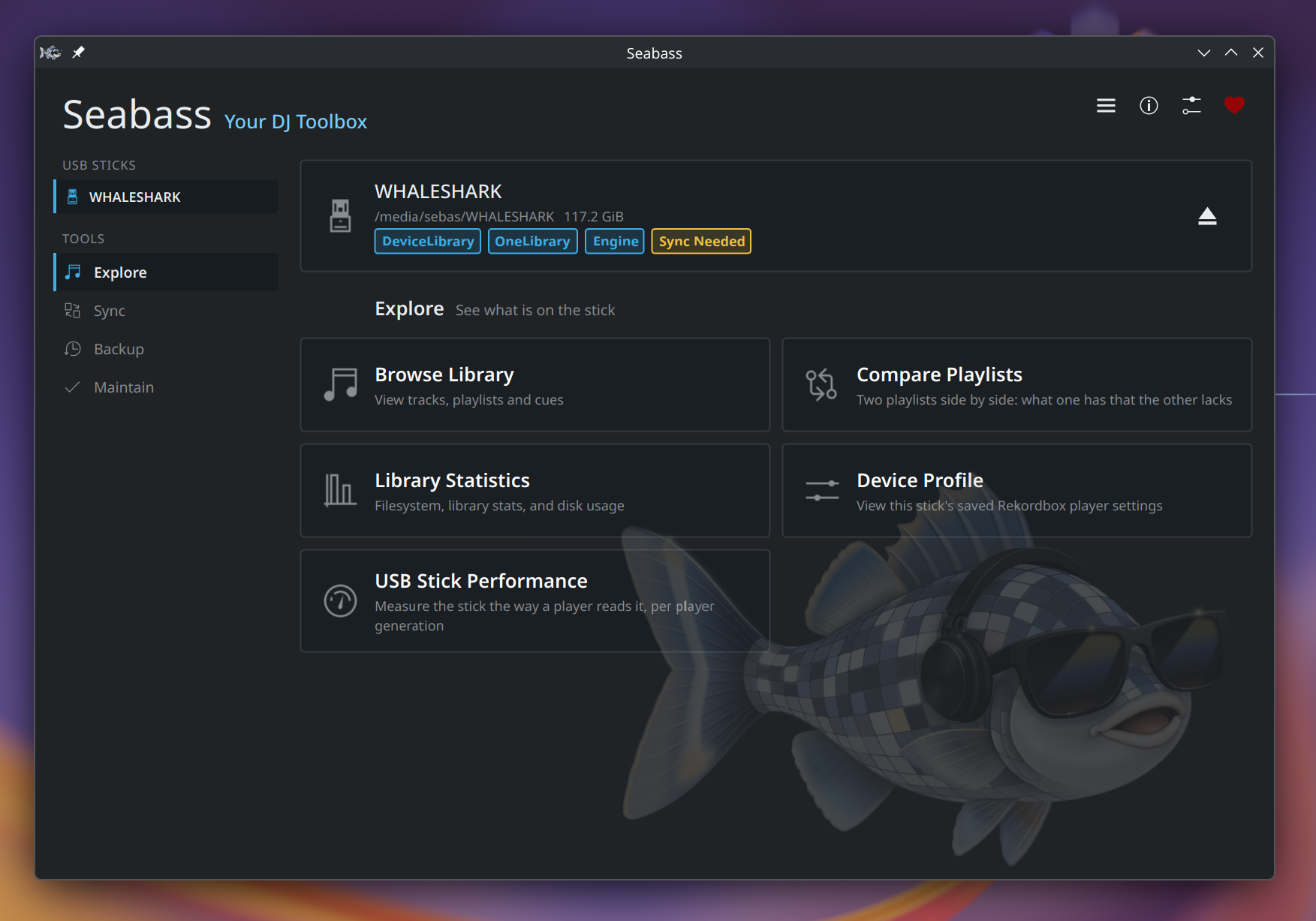
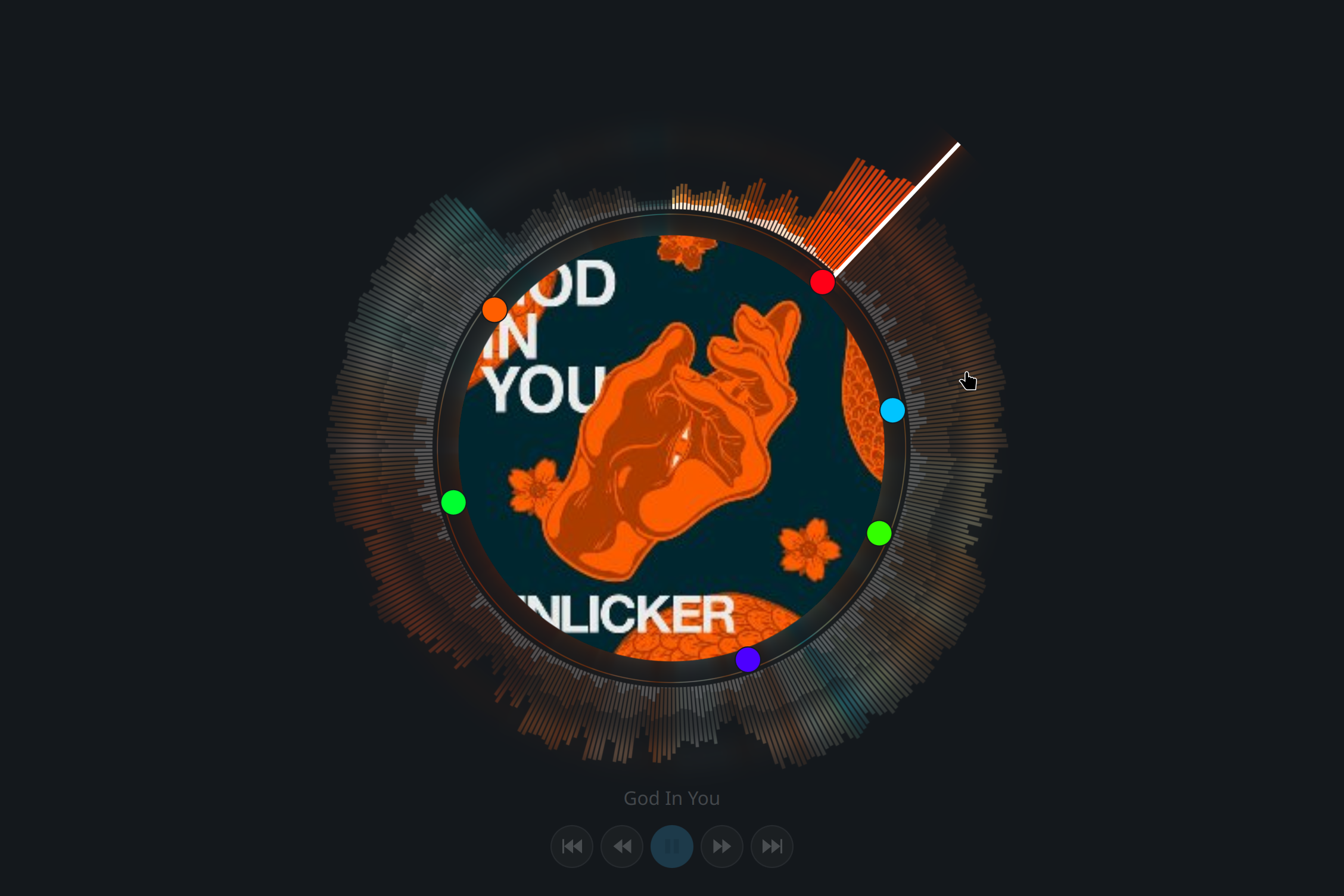
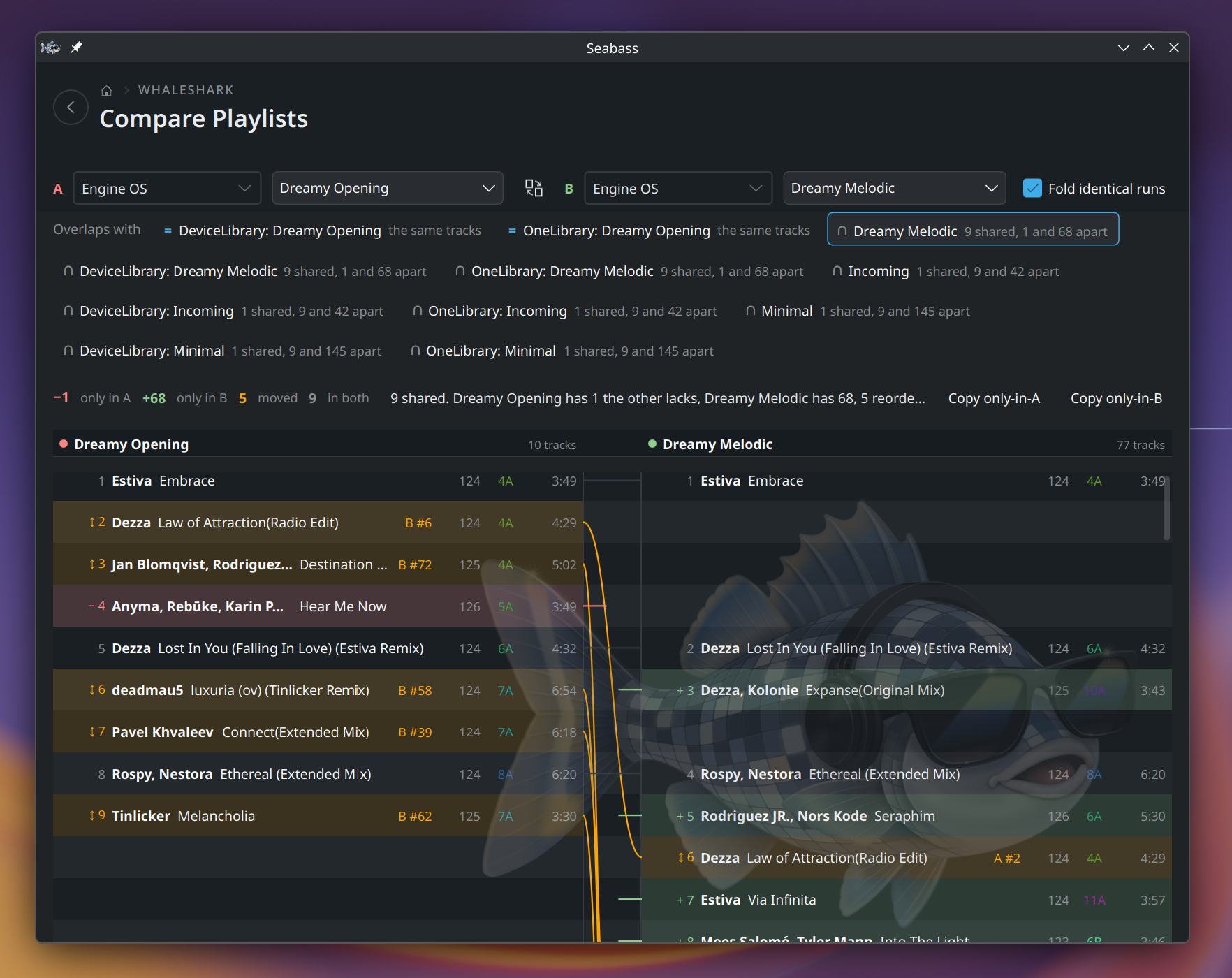
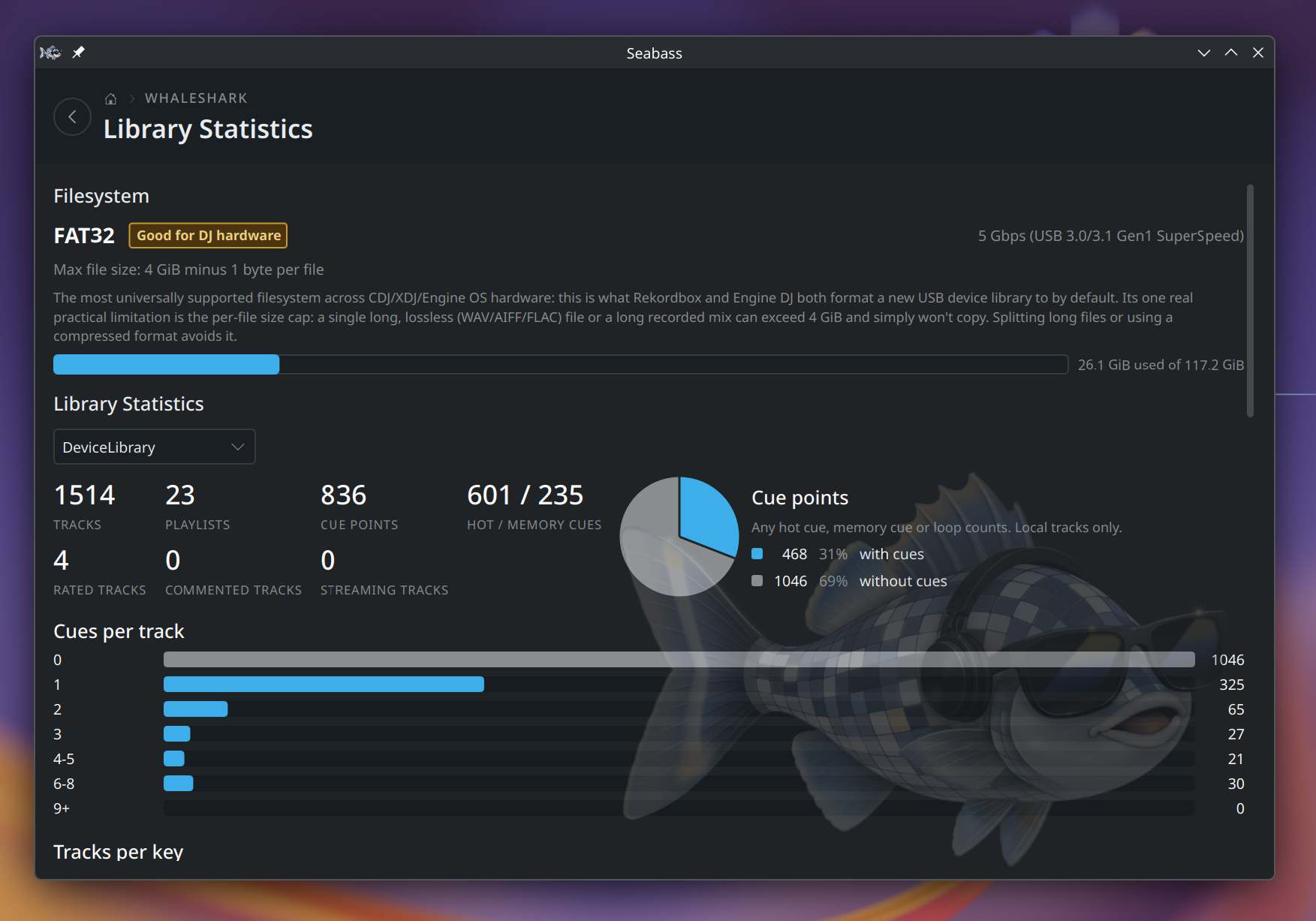
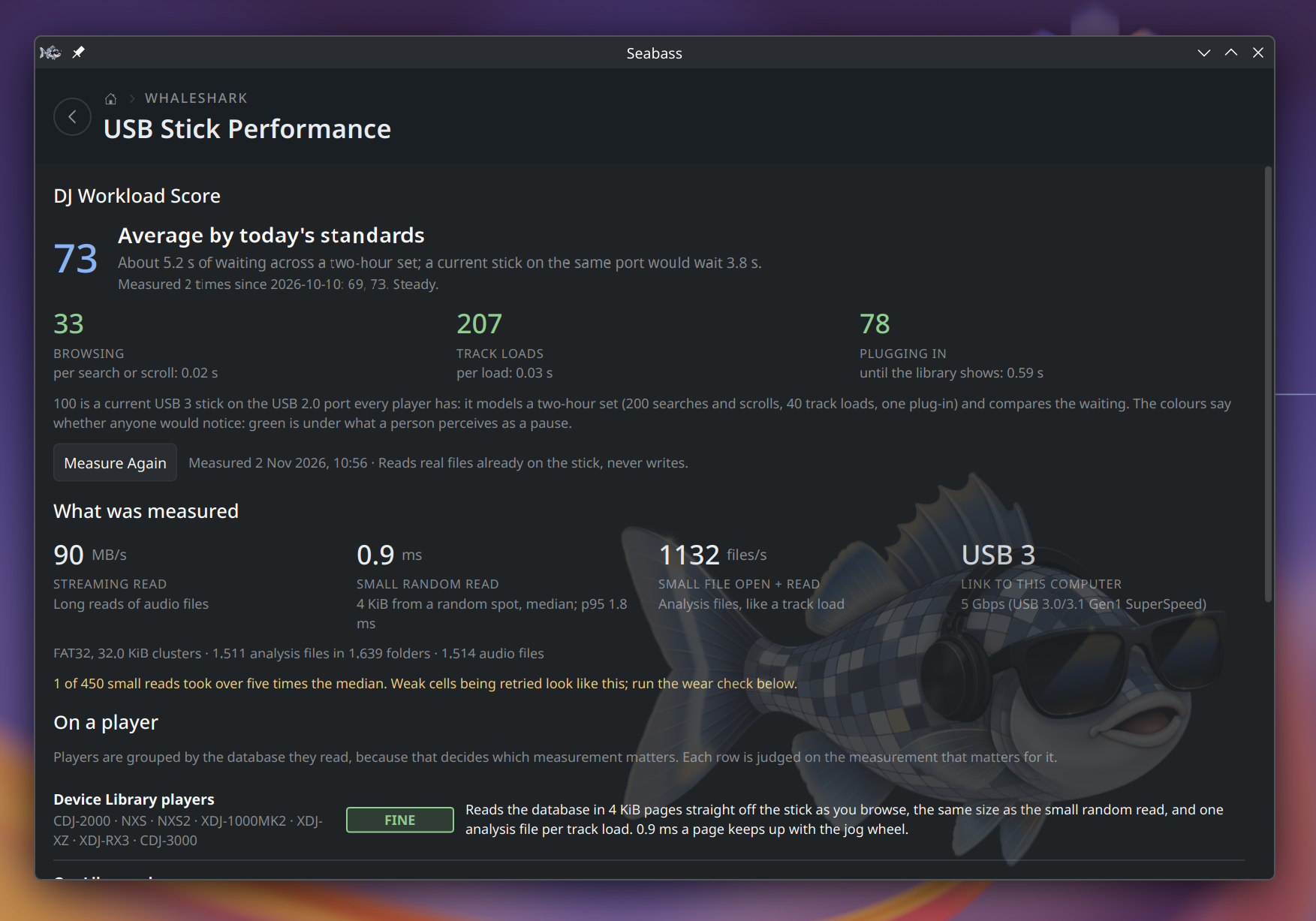
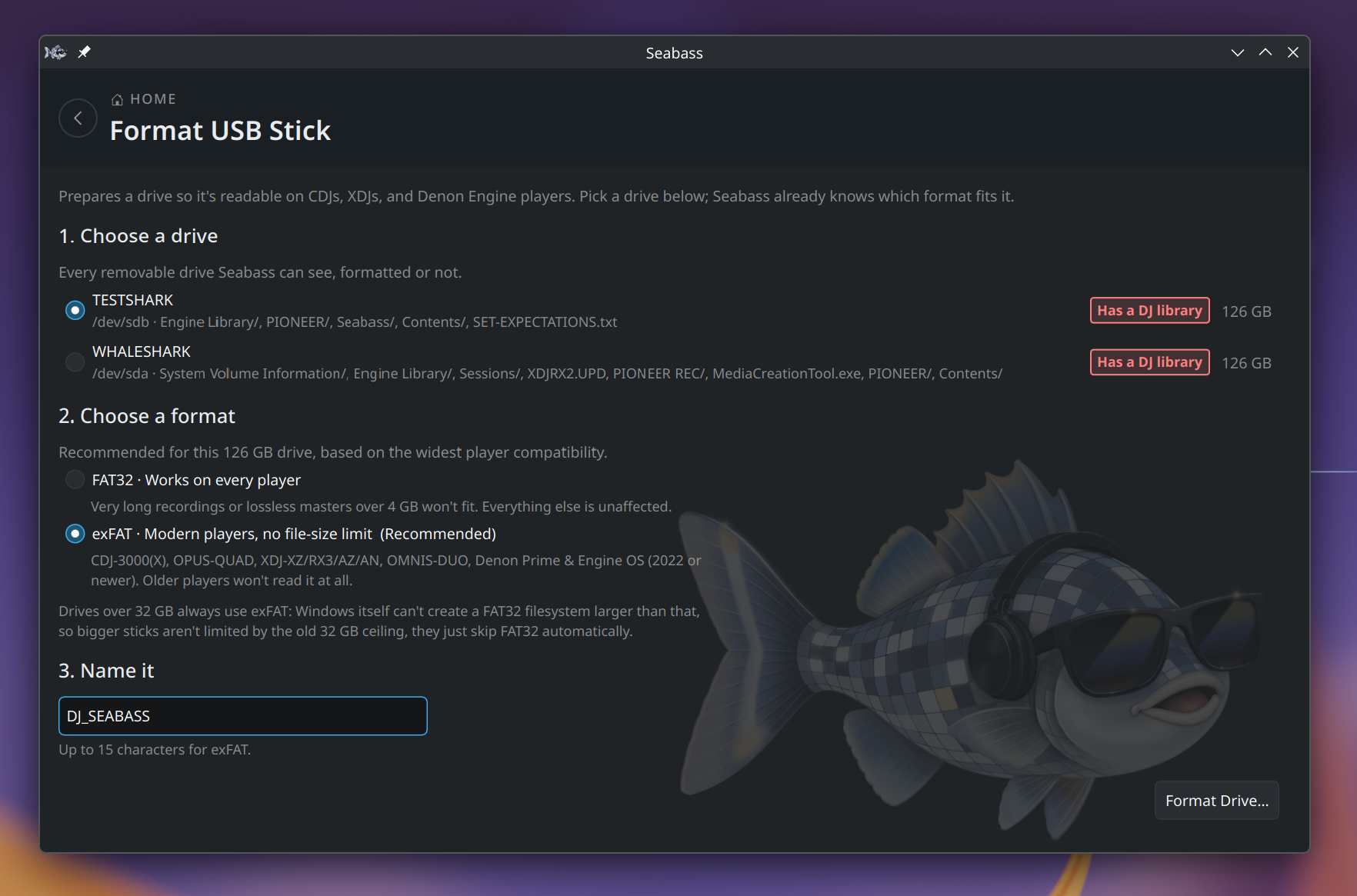
Seabass on a real stick, as of the 0.8 beta. Click a picture to see it
full size; Features explains what each part does.
Explore
What is on the stick, and how it sounds.
Home. Pick a stick, then a tool. The badges say which catalogs are on it.Browse Library. Playlists, key and BPM, and playback with the waveform and its cues.Full-screen player. The waveform drawn as a ring around the cover, with the cues on it.Compare Playlists. Two playlists side by side: what only one has, what moved, and which other lists overlap.Library Statistics. The filesystem, how full the stick is, and how many tracks have cues.
Sync and backup
Keeping the catalogs in step, and a copy of everything on your computer.
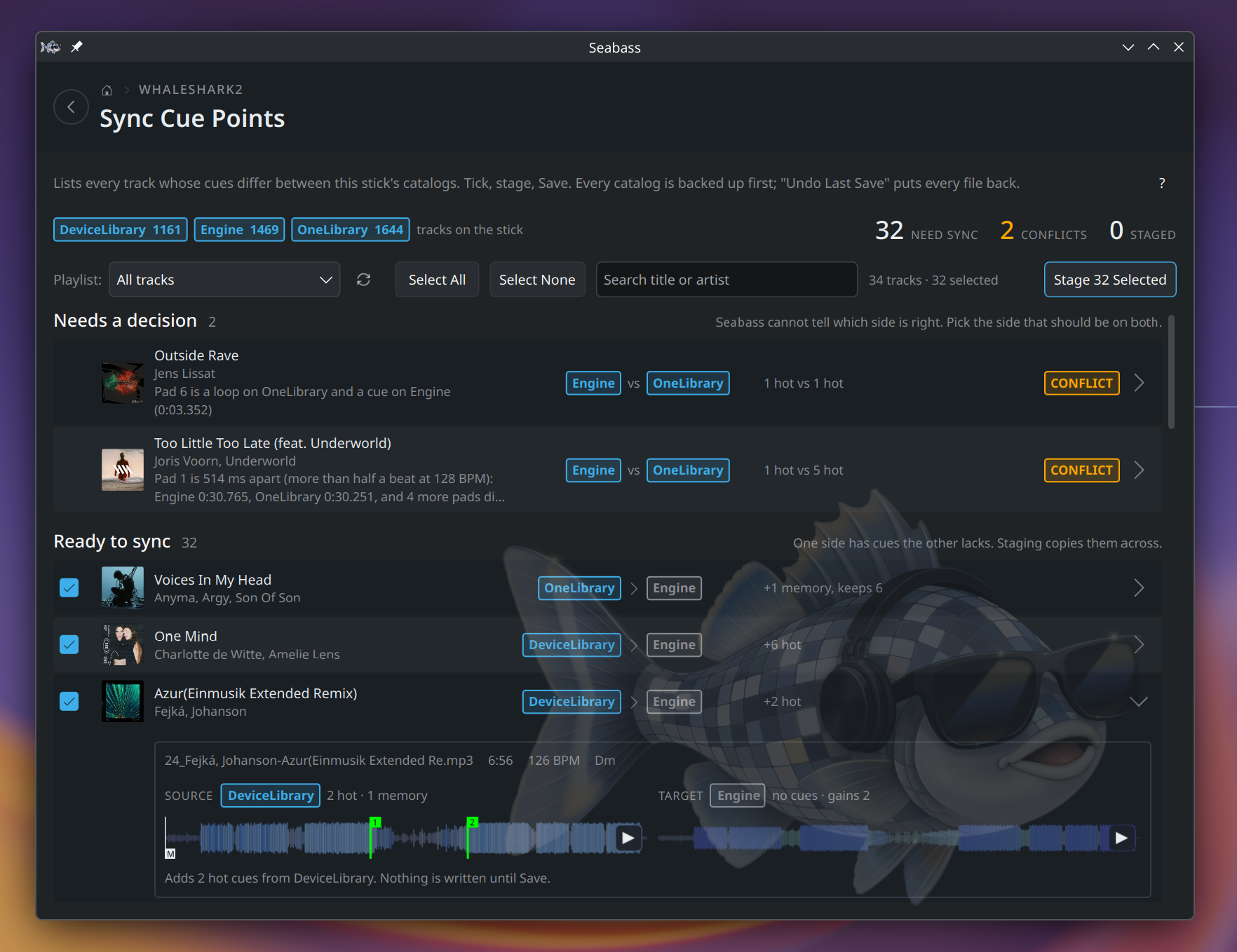
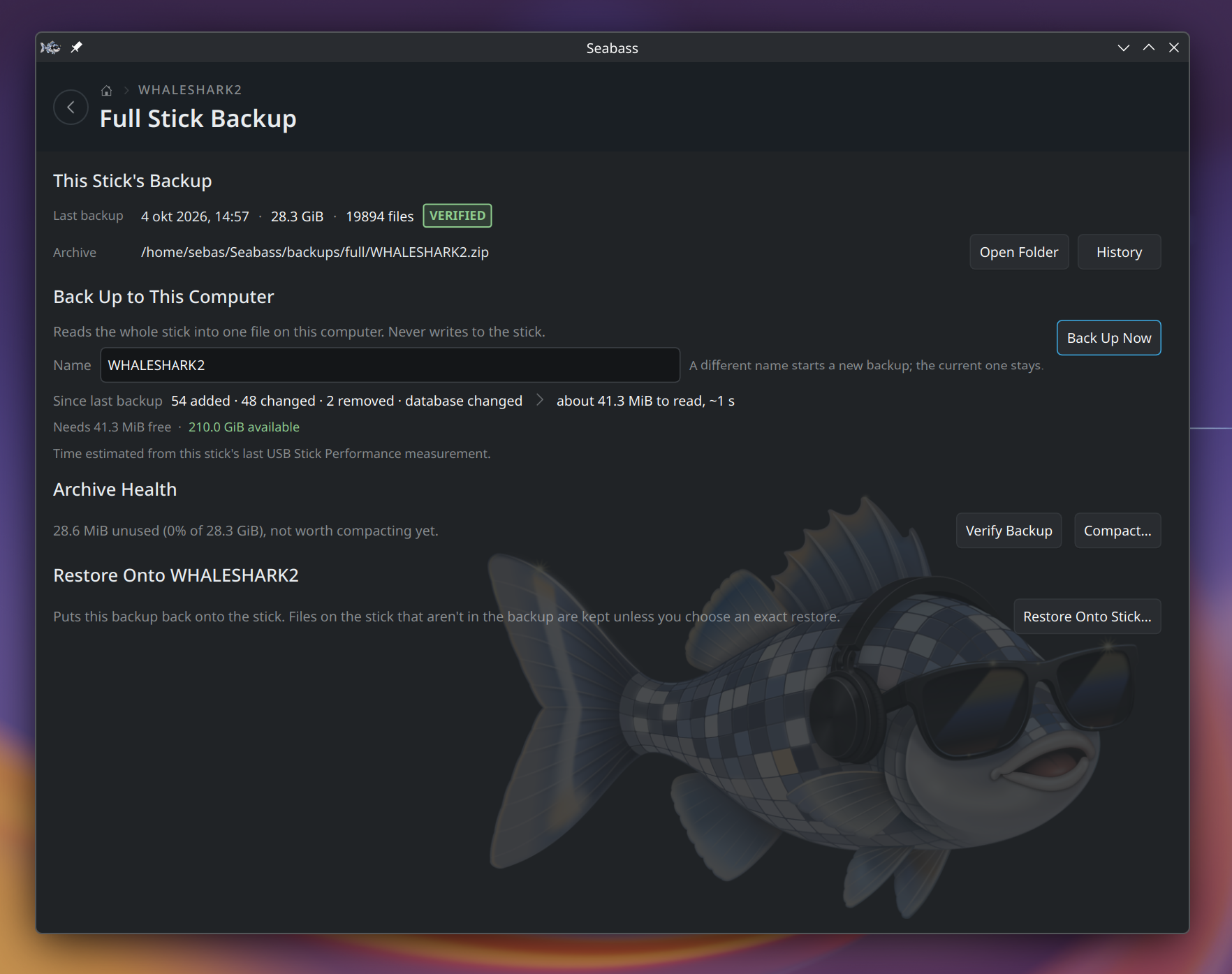
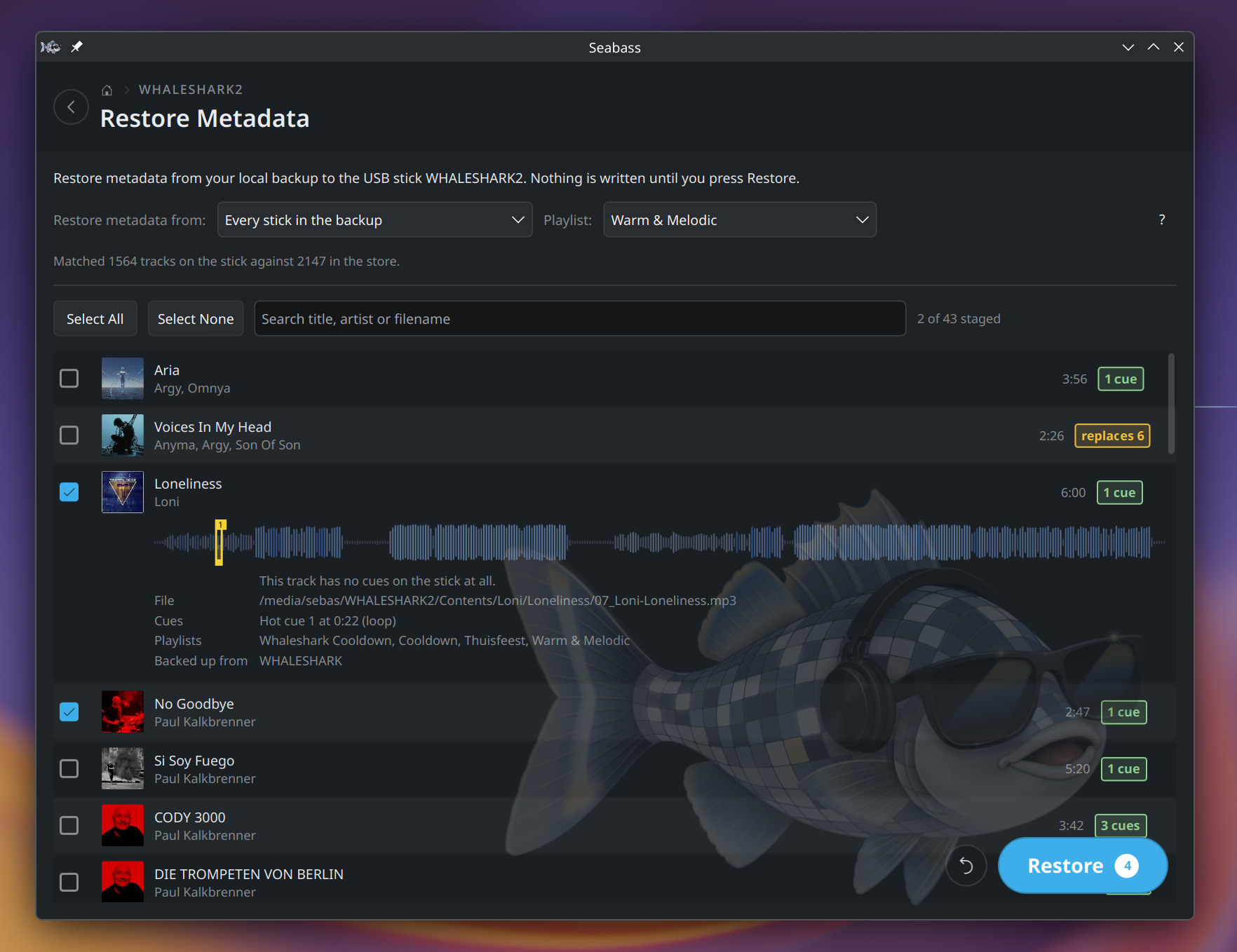
Sync Cue Points. Which tracks differ between catalogs, and exactly which cues go where.Full Stick Backup. The whole stick in one file on your computer, checked, and quick to bring up to date.Restore Metadata. Cues and playlists put back on tracks that lost them, shown before anything is written.
Maintain
Finding what is wrong with a stick, and fixing it.
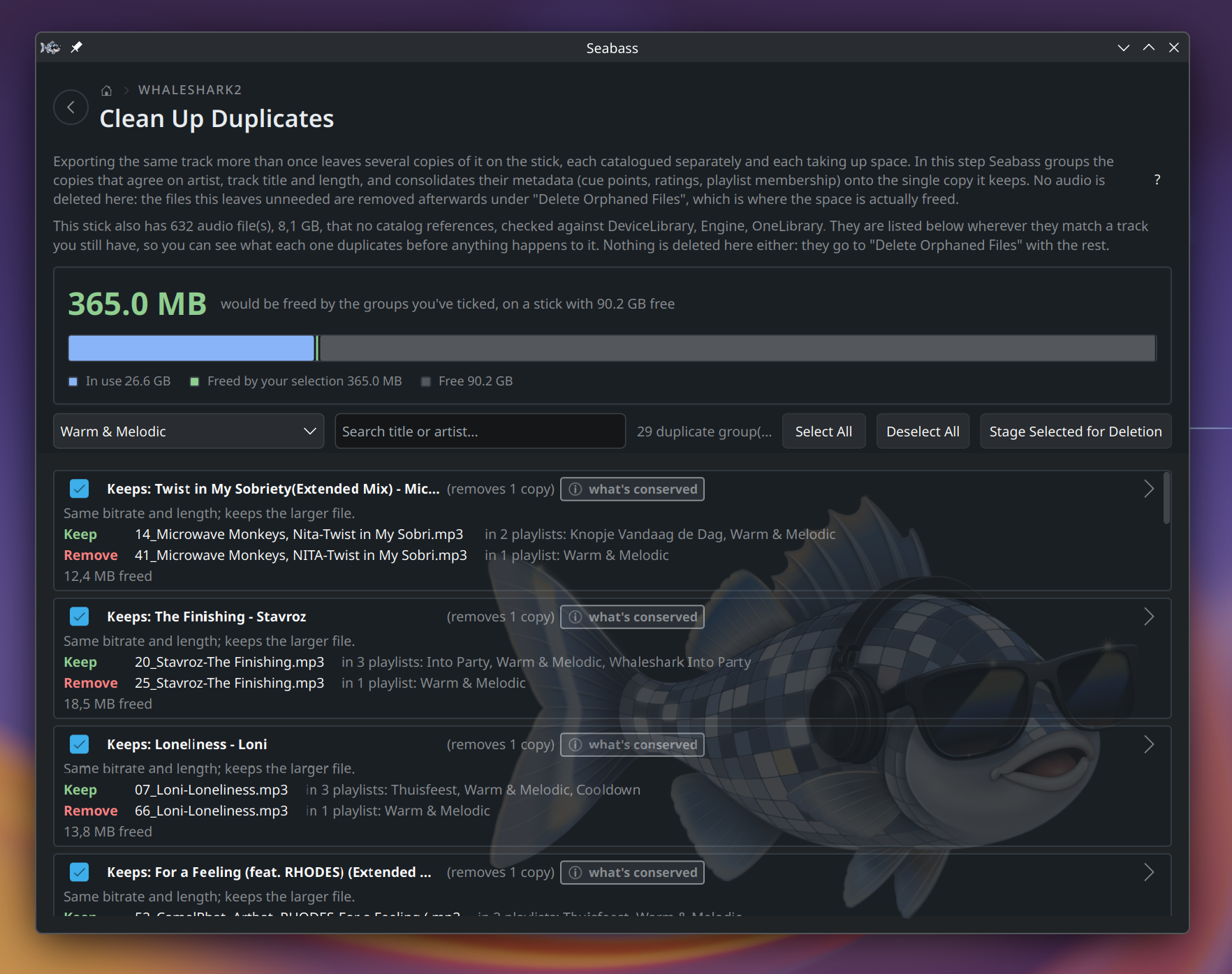
Clean Up Duplicates. Each group names the copy it keeps and what the others would free.Library Health. Everything Seabass checks, what it found, and what it can fix.USB Stick Performance. The stick measured the way a player reads it, with a verdict per player family.Format USB Stick. The right filesystem for the stick's size and your players, with a warning when it holds a library.